MojoClaw · AI workbench

One workbench.
Two forms.

The web app opens anywhere. The macOS app takes tasks onto your own computer and runs them in a sandbox. Both talk to the same MojoClaw cloud, so chats, projects and settings follow you.
Apple silicon · Windows and Linux coming soon

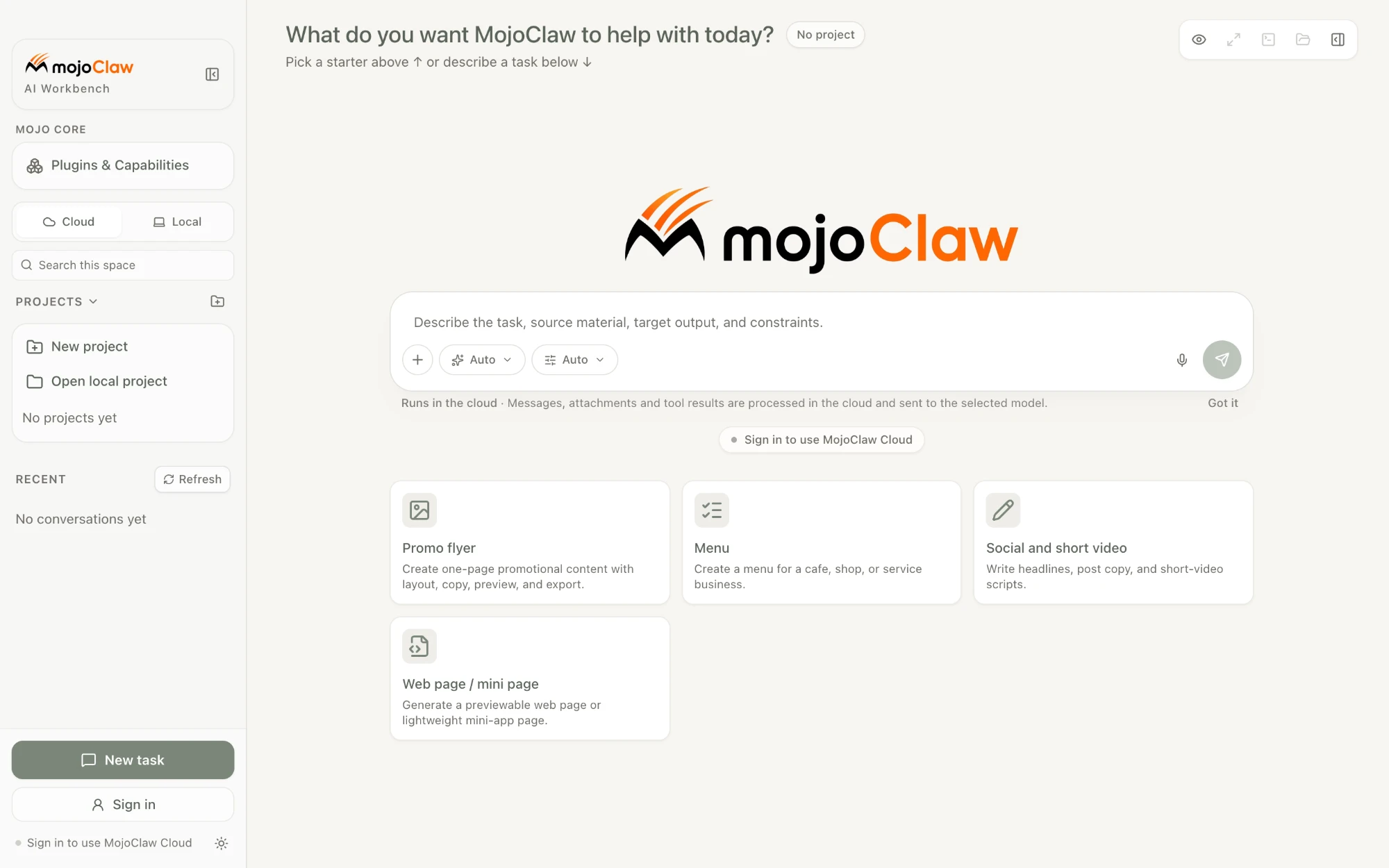
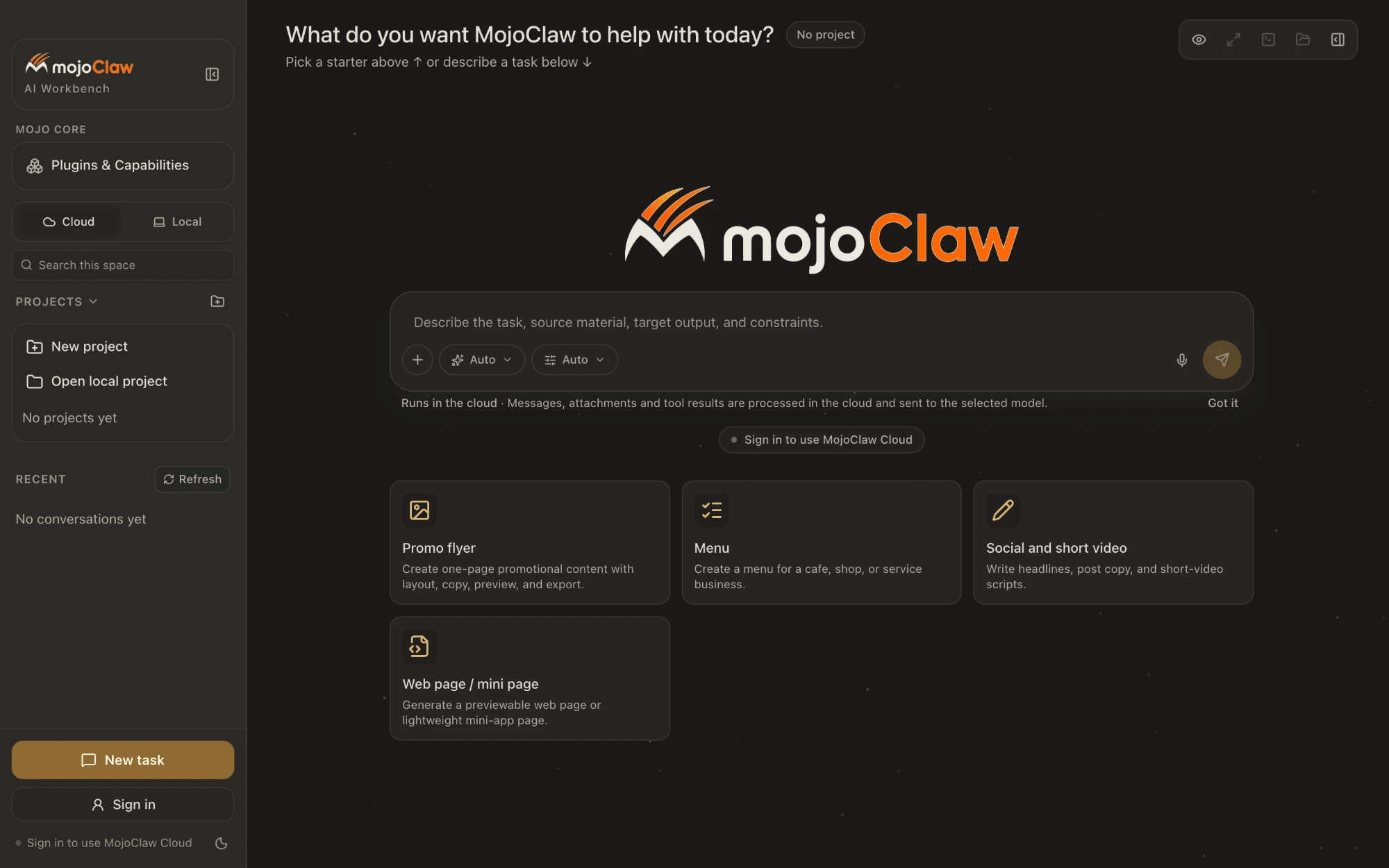
The MojoClaw workbench: projects and recent chats on the left, the task composer and starter cards in the middleThe MojoClaw workbench: projects and recent chats on the left, the task composer and starter cards in the middle
MojoClaw web app · real interfaceLight and dark follow your system

Two forms

In the browser.
On your Mac.

01

Web app.mojoclaw.ai

Any device with a browser. Best for tasks that need cloud compute and the network.

  • Cloud tasksRun in the MojoClaw cloud sandbox and pick them up from any device.
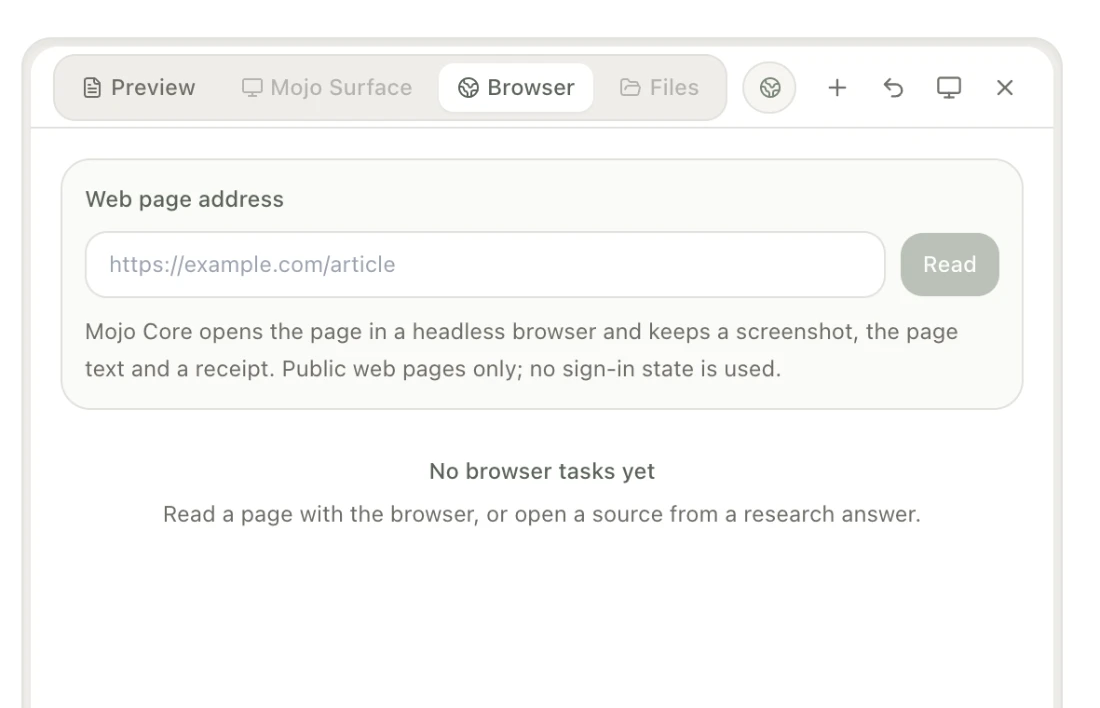
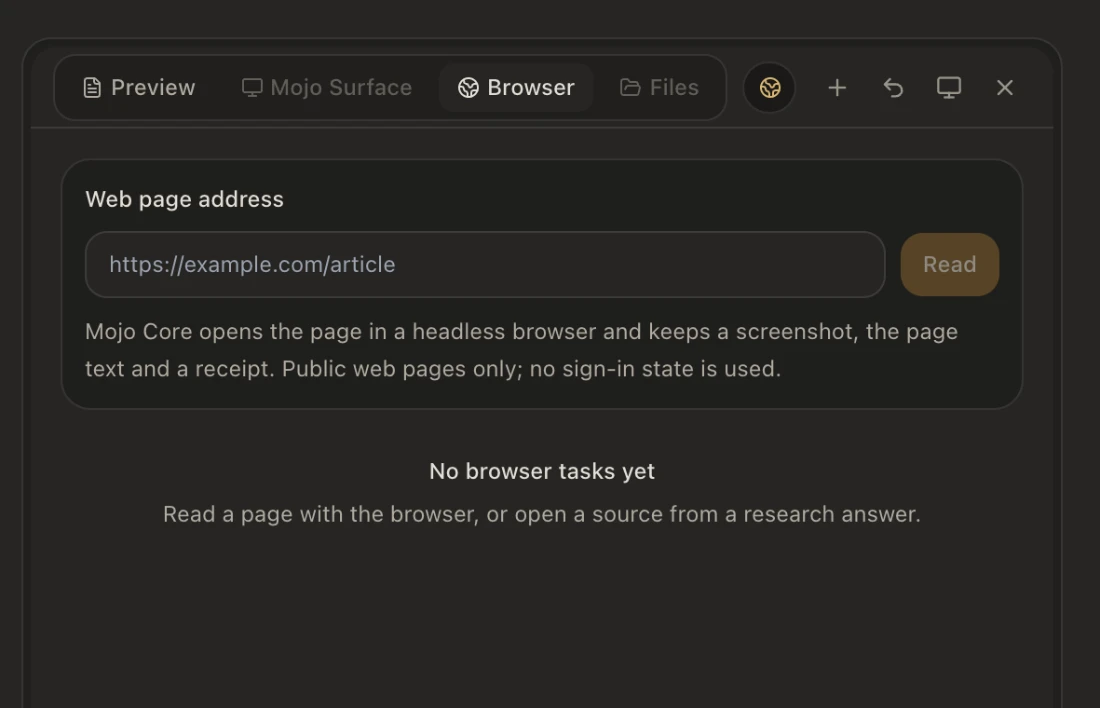
  • Cloud browsingMojoClaw opens public pages in a headless browser and keeps the screenshot, text and receipt.
  • Nothing to installSign in and start. The Free plan needs no card.
02

macOS app Apple silicon

Work happens on your computer: files, commands, the browser.

  • Local RunnerTasks run on your Mac, inside a sandbox the whole way.
  • Files stay homeUnless you choose a cloud task, your files stay on this computer.
  • Auto-updateStable channel. It installs only when you click Restart to update.

One MojoClaw cloud behind both: chats, projects, skills and settings stay in step.


How a task runs

Say what you want.
It does the rest.

01

Describe

Write the task, the material, the result you want and the limits. Attach files or folders, or start inside a project.
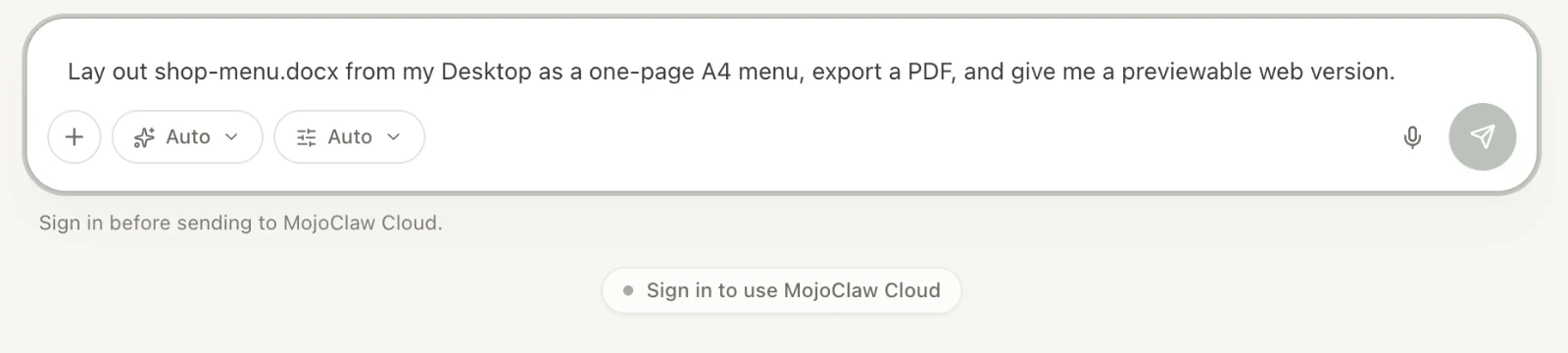
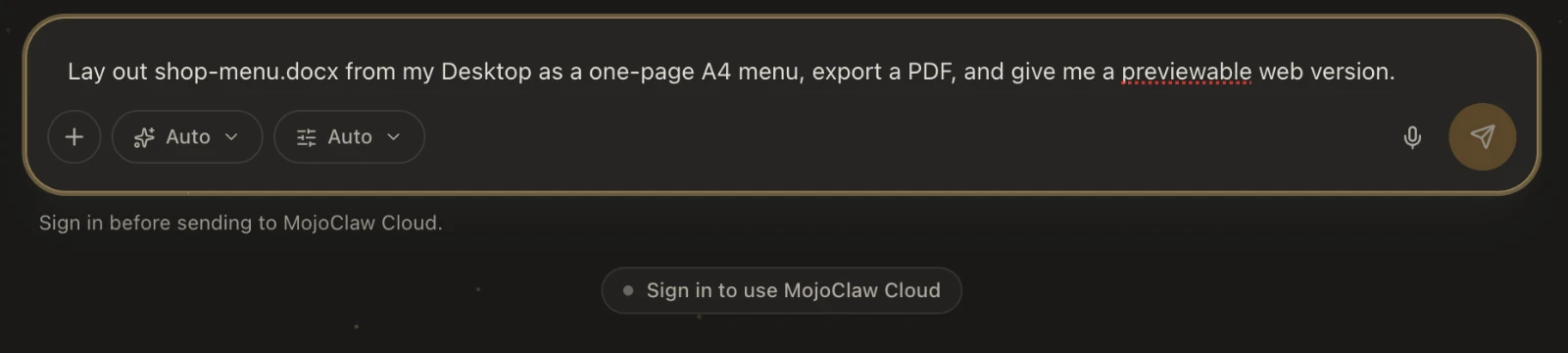
The composer with a task: lay out the menu document on the desktop as one A4 page, export a PDF and a previewable web versionThe composer with a task: lay out the menu document on the desktop as one A4 page, export a PDF and a previewable web version
02

Pick an approach

Let MojoClaw decide, or choose web search, deep research or writing. Long tasks keep going until they are done; add to them at any time.
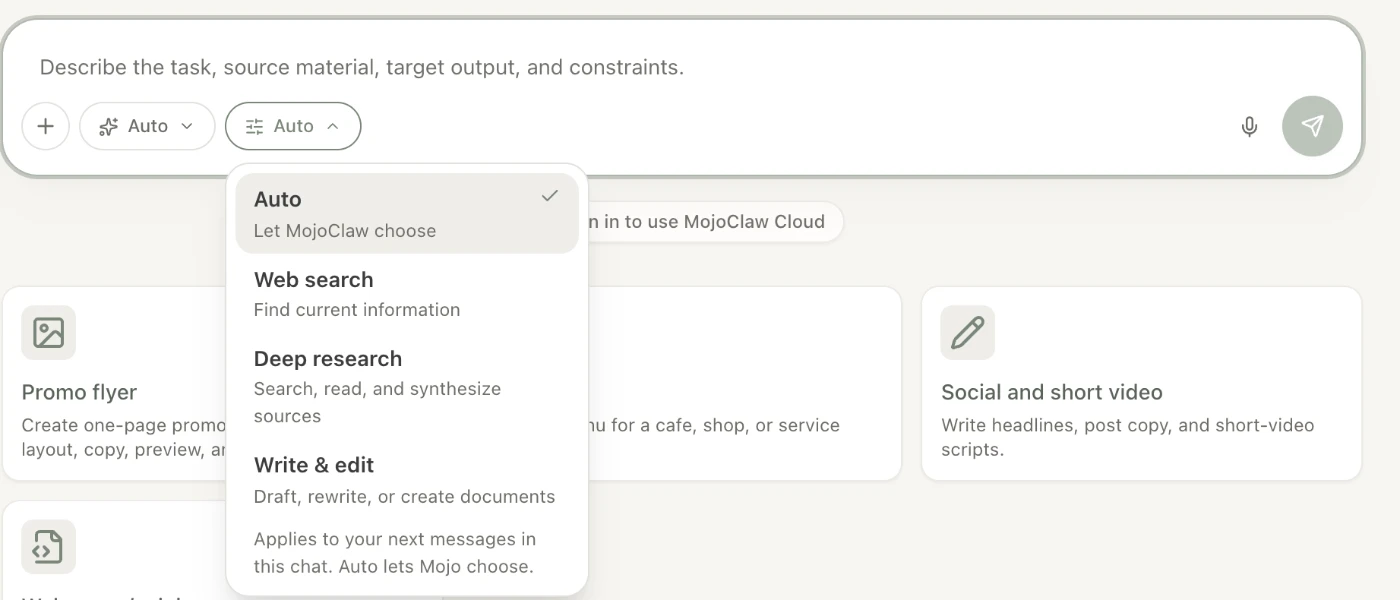
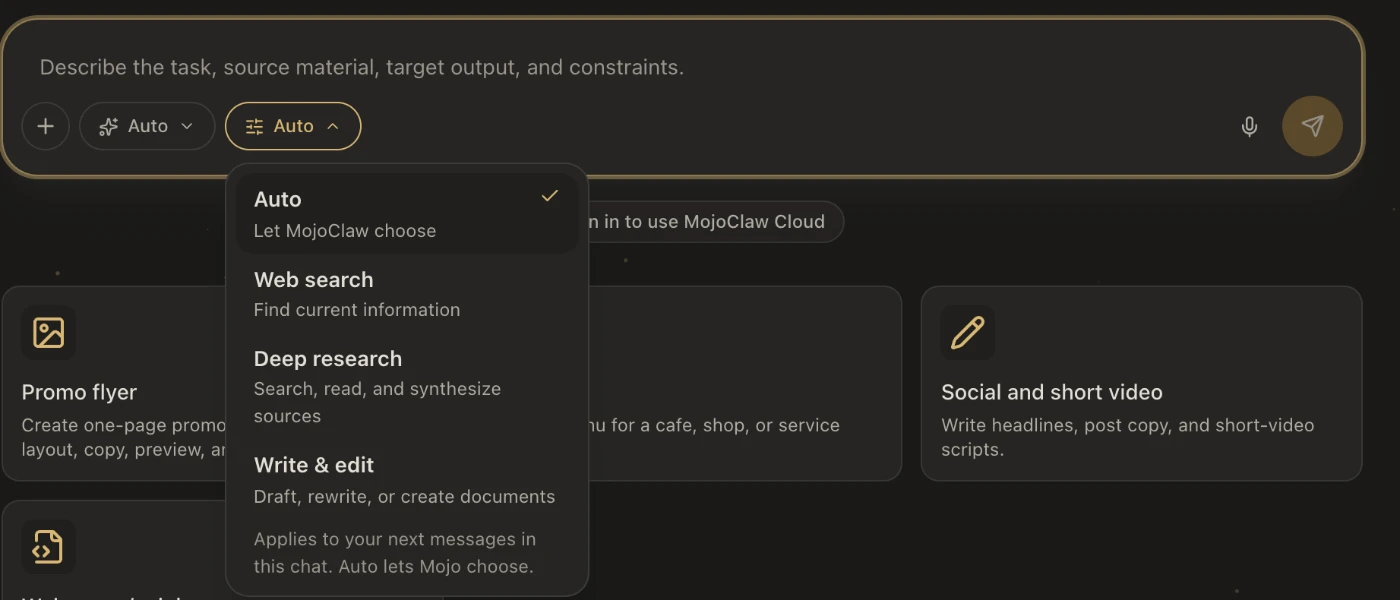
The mode menu: Auto, Web search, Deep research, WritingThe mode menu: Auto, Web search, Deep research, Writing
03

It stops where it matters

You choose the permission mode: plan first, run automatically, or ask at every step.

PlanAutoAsk
Before deleting files, running commands or sending anything out, it asks.
04

Deliver

Pages, documents and artifacts stream into the preview while they are made, and end as files you can open and export.

Web pageDOCXPDFPPTXXLSXImageVideo

Live preview

Watch it
take shape.

Pages, documents and artifacts stream into the side panel. Preview, Mojo Surface, Browser, Files: four tabs, one place for results.
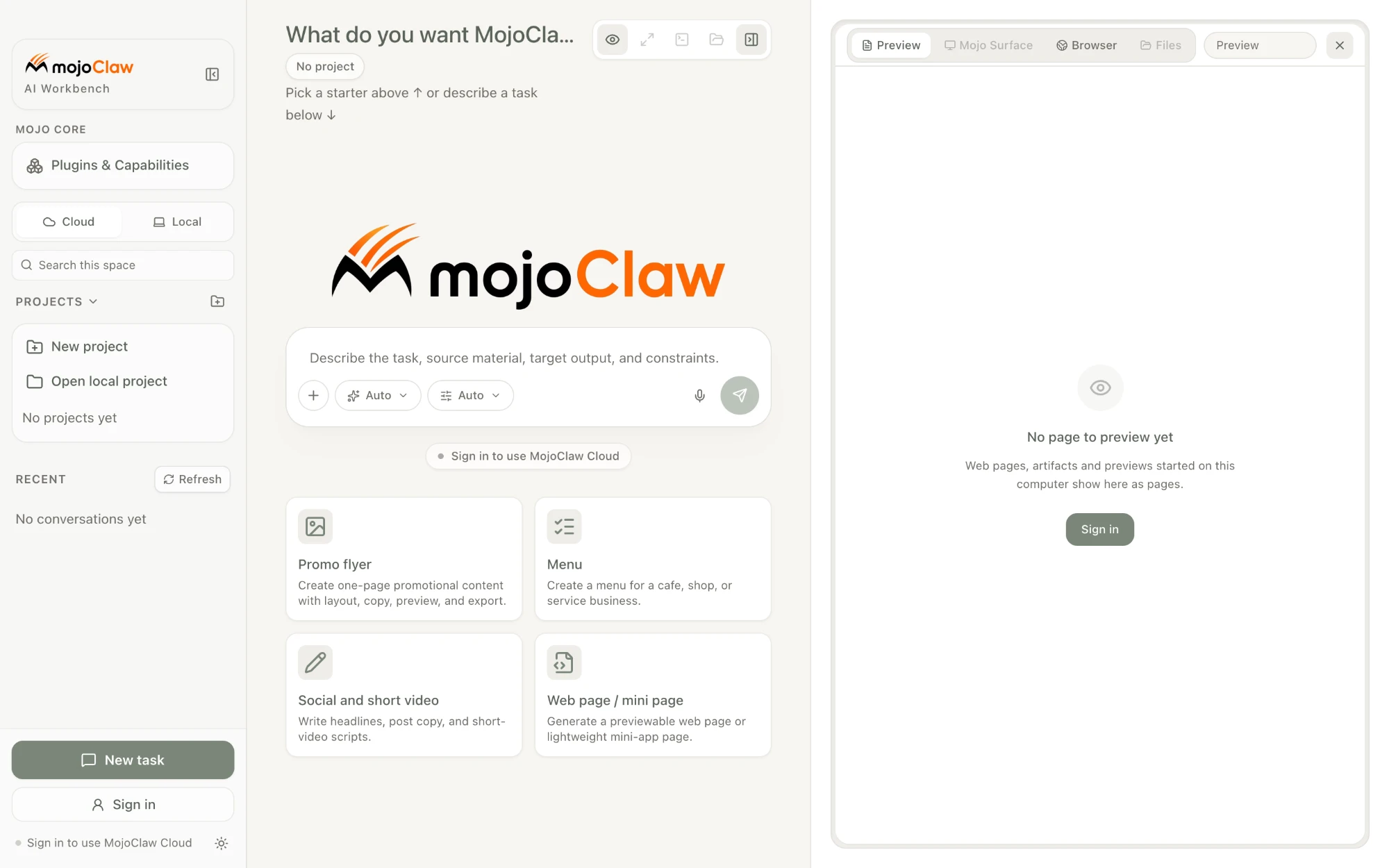
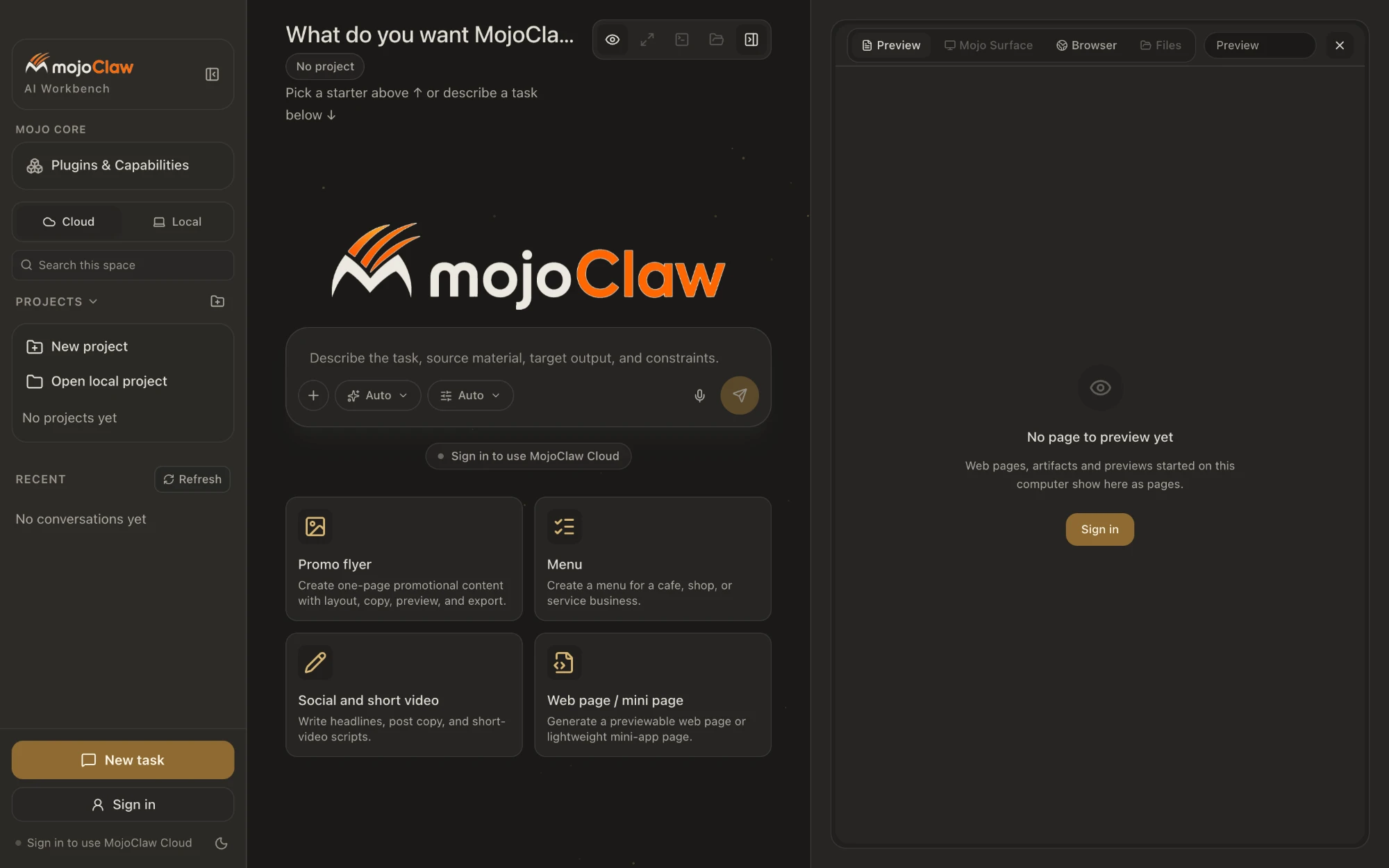
The workbench with the side panel open: Preview, Mojo Surface, Browser and Files tabsThe workbench with the side panel open: Preview, Mojo Surface, Browser and Files tabs

Local Runner

Your Mac is
its workbench too.

The desktop app ships with a local Runner. Tasks run on your computer, inside a sandbox. It can do a lot, and it asks before it crosses a line.
  1. SandboxedCommands run in the macOS sandbox. If the sandbox fails, the task stops; it never falls back to running unprotected.
  2. Folders as projectsBind a folder on your computer as a project. The files stay on that computer.
  3. Confirm what mattersDeletes, commands and outbound sends go through one approval path, with as few prompts as possible.
  4. Visible from the webTurn on Remote control on the computer and the web app can see that device's threads.
The side-panel browser: enter a URL and MojoClaw reads it in a headless browserThe side-panel browser: enter a URL and MojoClaw reads it in a headless browser

What it does

Hands on,
not just answers.

What the local Runner and built-in skills can do directly. Swipe, or keep scrolling.

01 · Local

Files

Read, write and organise files and folders on your computer.

~/Documents/shop
02 · Local

Terminal

Run commands in the sandbox; output streams back into the chat.

$ pnpm build
03 · Local · Cloud

Browser

Open pages, read the text, keep a screenshot as proof.

browser.open
04 · Local

SSH

Connect to your servers and run the task there.

ssh deploy@host
05 · Local

Media

Built-in ffmpeg: cut, transcode, extract frames, compose.

ffmpeg -i clip.mov
06 · Local

Binaries

Look inside executables and unknown file formats.

binary.inspect
07 · Both

Documents

Built-in docx, pdf, pptx and xlsx skills produce files you can hand over.

.docx .pdf .pptx .xlsx
08 · Both

Web pages

Generate pages and mini-app pages you can preview and export.

index.html

Then bring your own tools.

Add remote MCP servers and skills under Plugins & Capabilities. MojoClaw reports their status in one place.

Models

Pick a model,
or leave it on Auto.

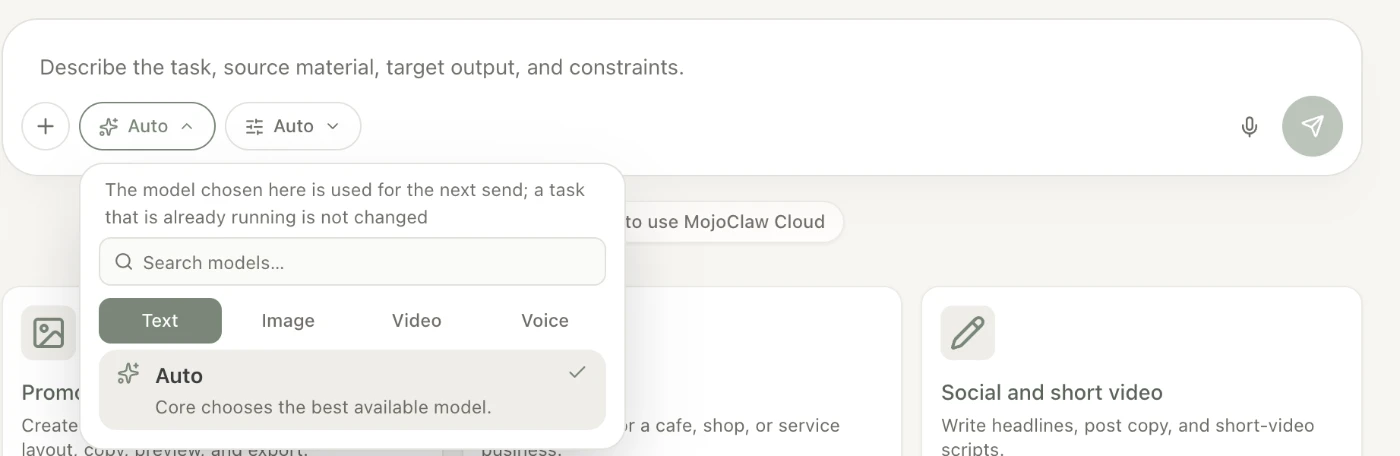
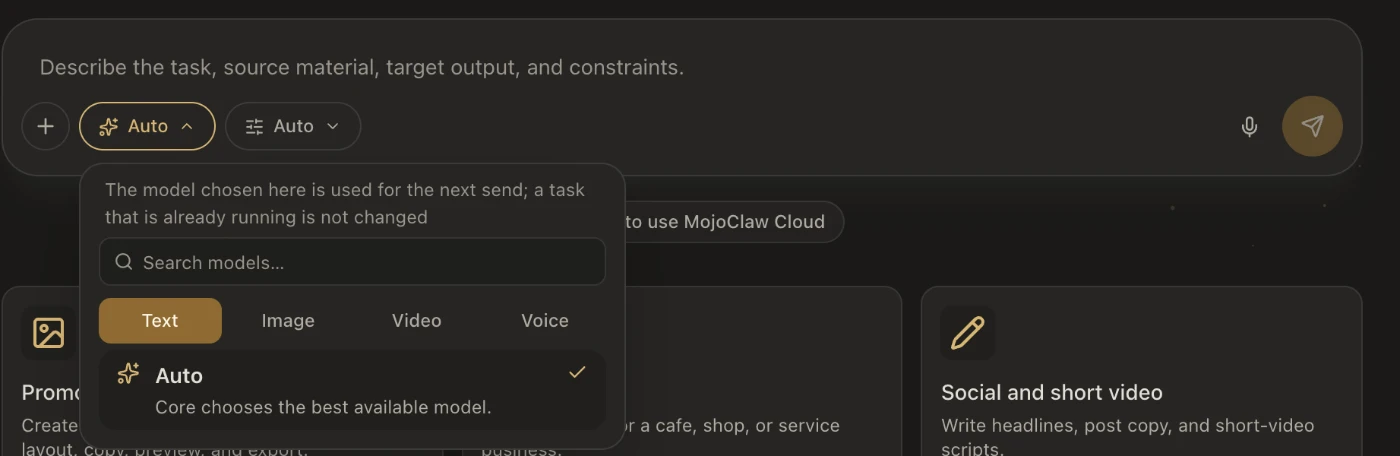
Choose by kind: text, image, video, voice. On Auto, MojoClaw picks the best model available right now. The free tier rotates automatically between available models.
Models on each plan →

The model picker: text, image, video and voice tabs; Auto lets MojoClaw choose the best available modelThe model picker: text, image, video and voice tabs; Auto lets MojoClaw choose the best available model

Trust and data

Your files stay
on your computer.

Unless you choose a cloud task, the files a local task reads and writes never leave your Mac.

Cloud is your callOn a cloud task, messages, attachments and tool results are processed in the cloud and sent to the selected model. The app says so first.
Not for trainingWe do not use your private content to train any model without your explicit consent.
Sign-inThree single sign-on providers, or email.
OpenAX · AustraliaMojoClaw is built by OpenAX Technologies Pty Ltd under Australian privacy law.

Beta

In beta.
Come join.

MojoClaw is invite-only for now. Leave your email and we will send you an invite code. Already have one? Enter it when you sign up.

Start now.

During the beta you sign up with an invite code. The web app opens anywhere; install the desktop app when you want local power.